Does Keeping Power Saving Mode Always On Affect Your Phone Battery?
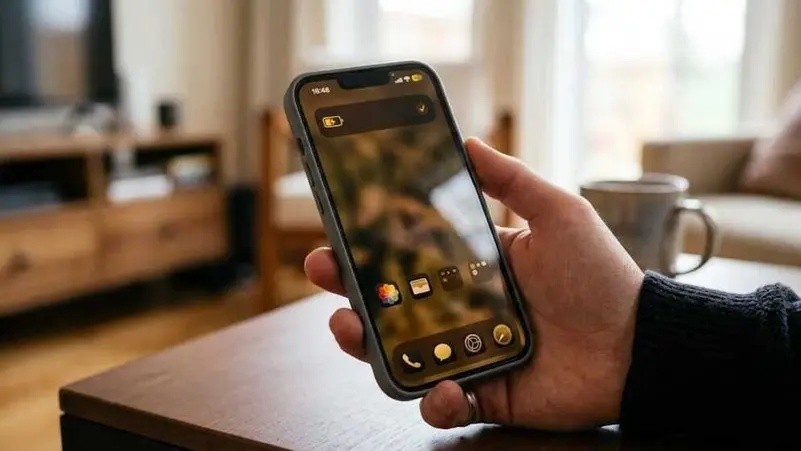
Battery saving modes in smartphones help extend your device's charge by reducing background processes, limiting performance, and adjusting screen settings. These modes range from standard settings with minor adjustments to extreme modes that restrict most functions, enabling users to balance battery life with necessary features throughout the day. Power saving mode is a built-in feature that lowers energy consumption by limiting app background updates, reducing screen brightness, slowing down the processor, and disabling visual effects like animations. The naming varies by system: on Android it's called "Battery Saver," on iPhone "Low Power Mode," and on some devices like Samsung "Power Saving" with additional customization options. The technology prioritizes active tasks, prevents apps from unnecessary updates, lowers screen refresh rates, and restricts location services to operate only when needed. The processor runs at slightly reduced speeds, causing minor performance drops but significantly lowering power use, which can extend battery life by several hours depending on usage. Activating power saving mode is recommended when battery drops below 20%, during travel without charger access, on long days requiring extended phone use, or at events and trips without charging options. Keeping this mode always on is generally not advised since phones manage power efficiently under normal conditions, and constant restrictions may limit useful functions like notifications and app updates. It is better to enable the mode based on daily needs, reserving it for times when extending battery life is more important than full device functionality. Several phone functions are affected when power saving mode is active, including stopping background app updates, switching email sync to manual, reducing location service accuracy, disabling visual effects, and lowering screen brightness. Additional restrictions include disabling always-on display, reducing 5G connectivity, pausing automatic downloads and updates, limiting haptic feedback, and lowering screen refresh rate. These limitations are temporary and revert once the device is charged or power saving mode is manually turned off. Modern phones allow customization to exempt certain apps from restrictions, enabling them to receive notifications and update in the background even when power saving is on. Users can customize power saving settings via battery options, adjusting which functions to limit and setting the battery level that triggers automatic activation. Samsung devices offer detailed control over restrictions, while Android phones include "Adaptive Battery" that learns app usage to optimize power consumption. iPhones provide fewer customization options but allow Low Power Mode to remain active even after the battery exceeds 80% charge. Exploring battery settings is recommended to find the right balance between extending battery life and maintaining device functionality according to your daily usage.